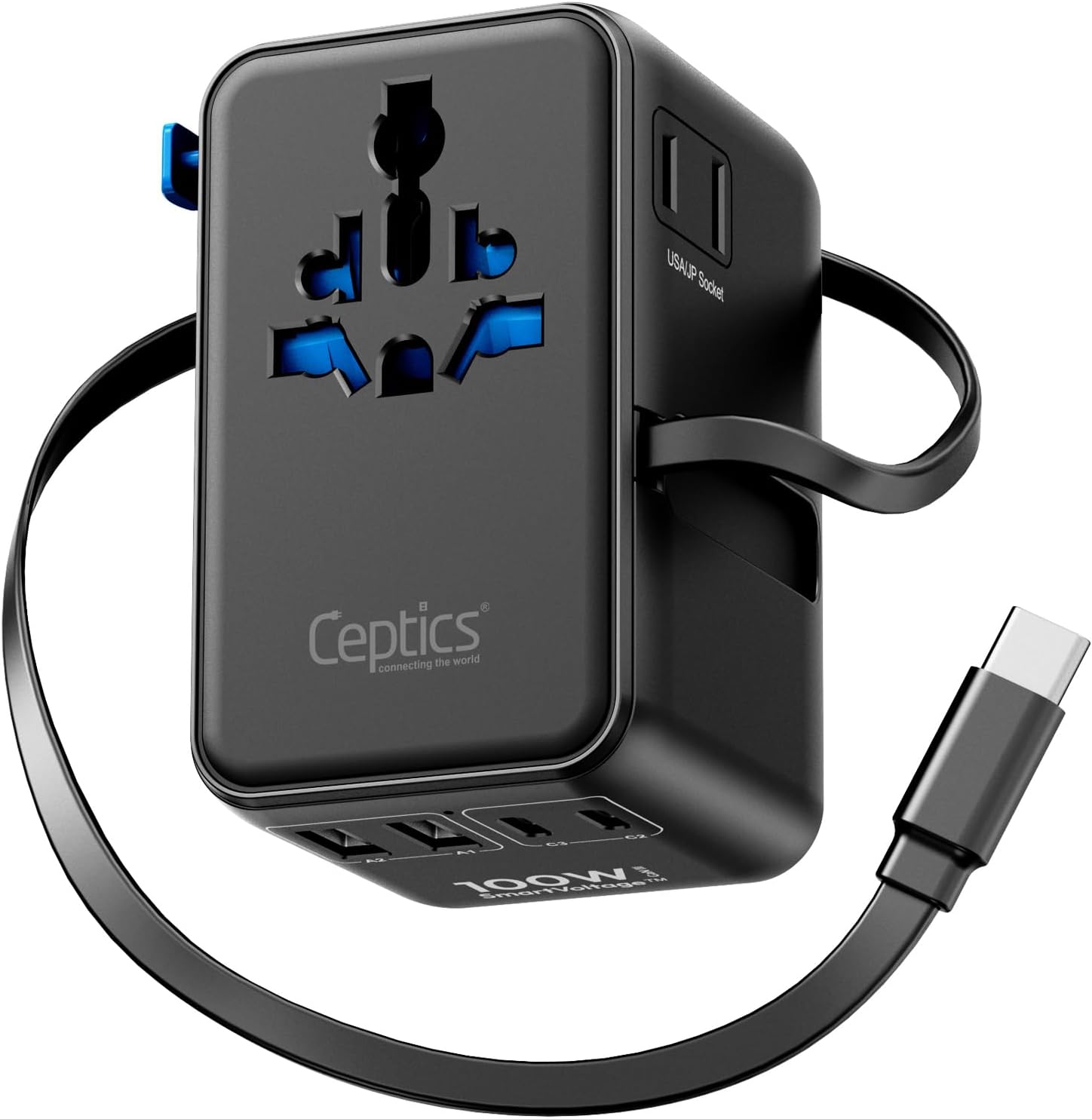
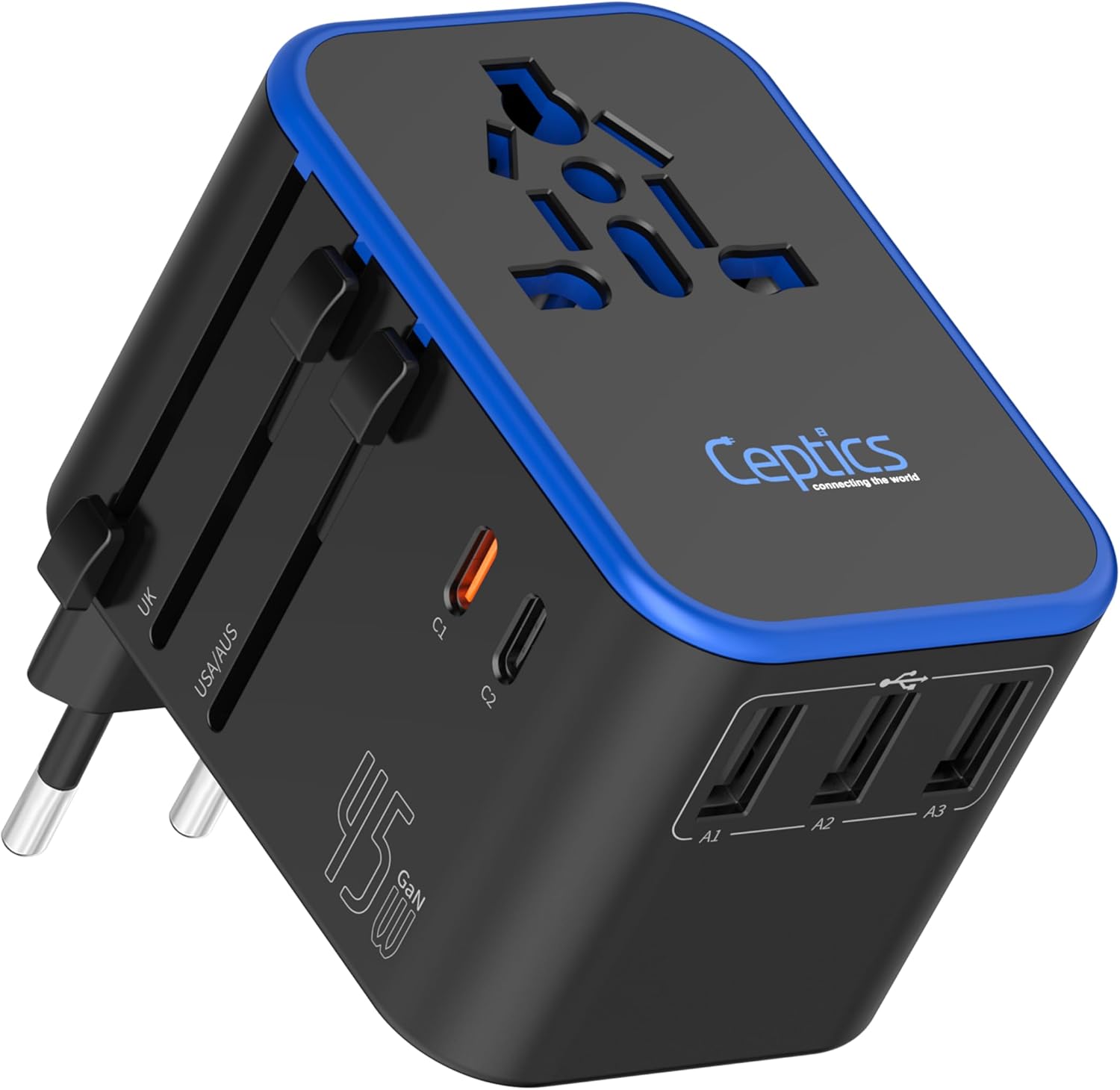
Choosing a universal travel adapter is straightforward once you understand what it does and what it cannot do. An adapter changes the shape of your plug so it fits outlets in different countries; it does not change the electrical voltage. This guide covers the plug types you are likely to encounter, key safety features, power limits, built-in USB ports, and how to avoid the common mistake of treating an adapter as a voltage converter.
Plug Coverage: Which Outlet Types Matter
Most international travelers need to plug into outlets found in the Americas, Europe, the United Kingdom, Australia, and often Northeast Asia. A true universal adapter includes prongs that slide or fold out to match these common socket shapes. Some models also cover less common outlets used in Italy, Switzerland, or South Africa, but for frequent travel among the major regions, a four-in-one design usually suffices.
The table below summarizes the plug types that a universal adapter typically handles. Note that some outlets accept two-prong and three-prong plugs; grounding (the third pin) is not always available on travel adapters, so check your device needs.
| Plug Type | Common Regions | Adapter Features |
|---|---|---|
| Type A/B (US style) | United States, Canada, Mexico, Japan | Two flat pins; B adds a round ground pin |
| Type C (EU style) | Most of Europe, South America, parts of Asia | Two round pins, often recessed |
| Type G (UK style) | United Kingdom, Ireland, Malaysia, Singapore | Three rectangular pins in a triangular pattern |
| Type I (AU style) | Australia, New Zealand, China, Argentina | Two or three flat pins in a V shape |
When you search for universal travel adapters, you will see models that combine several of these prongs. Pay attention to whether the adapter accepts your existing plug or simply allows you to push the correct prongs outward. Some designs use a single sliding mechanism, while others have a set of fixed pins you rotate into position. The right choice depends on how many destinations you expect to visit.
Safety Features That Matter
A good universal adapter should not be a cheap piece of plastic and metal that simply fits into a socket. Look for features that protect your devices and keep you safe.
Built-in fuse
Many quality adapters include a replaceable fuse that breaks the circuit if the current draw exceeds a safe level. This prevents overheating and potential electrical fires. Always check the manufacturer’s instructions to learn how to access and replace the fuse, and keep a spare fuse on hand for longer trips.
Shutters and blocking mechanisms
Some adapters have safety shutters that keep the socket openings covered until a plug is inserted, reducing the risk of accidental contact, especially if you travel with children. This is a small but meaningful safety feature.
Grounding (earth) connection
Devices with three-prong plugs (like many laptop chargers) require a grounding connection for safe operation. Not all travel adapters provide this. If you rely on such devices, choose an adapter that explicitly includes an earth pin or a grounding socket. On the other hand, most phone and tablet chargers are double-insulated and do not need grounding.
Certifications and build quality
Look for markings from recognized testing organizations, such as UL or ETL for North America or CE for Europe, printed on the adapter. These indicate the product meets safety standards for its intended markets. Avoid adapters that feel flimsy or have exposed metal pins that could touch other objects in your bag.
Wattage Limits: Know What You Can Plug In
Every adapter has a maximum current rating, usually expressed in amps, which translates to a wattage limit at a given mains voltage. For example, a common rating might be 10 amps, which at 110V yields around 1100 watts and at 230V around 2300 watts. However, always check the exact rating printed on your adapter and never exceed it.
A common rule of thumb is to use a universal travel adapter only for low-power electronics such as phone chargers, laptop chargers, small camera batteries, and similar items. Resist the temptation to plug in a hair dryer, curling iron, or space heater. These appliances often draw 1000 watts or more, which can overload a travel adapter even if the plug fits. A separate device such as a voltage converter is designed for that purpose, and it is a different tool entirely (see below).
If you are unsure about a specific device, look at the label on the device itself. It will list the maximum power draw in watts or amps. Compare that to the adapter’s rating, and if they are close, it is safer not to use the adapter. For high-power needs, plan to bring a dedicated appliance that is compatible with the local voltage, or rely on hotel amenities.
Built-in USB and USB-C Ports: Your Charging Hub
Many modern universal adapters include one or more USB-A ports and a USB-C port, allowing you to charge several small devices directly without needing separate plug ends. This is convenient because you only need to pack a few cables, not heavy charger bricks.
Look at the total output of these ports, which is usually printed on the adapter in watts. A total of 20 watts or more can charge a phone at a decent speed and handle a small tablet simultaneously. For laptop charging, you need a USB-C port that supports Power Delivery and likely a higher output, often 45 or 60 watts. Not all universal adapters provide that much power, so check before you buy if you plan to charge a laptop.
Remember that these ports themselves are limited by the adapter’s overall wattage rating. If you plug a laptop and a phone at the same time, you might exceed the adapter’s limit. For extended trips where you need to charge multiple devices overnight or on the go, consider carrying a travel power bank as a backup. A dedicated travel power bank guide can help you pick one that matches your charging habits.
Size and Design: Fit for Your Carry-On
Universal adapters range from pocket-sized models to bulky units that combine prongs, a fuse, and four or more USB ports. Consider how you pack. If you usually carry a carry-on and a personal item, a compact adapter that fits in your tech pouch is more convenient than a large brick. But a larger adapter might offer more plug types and a higher wattage rating.
Some adapters have folding prongs that retract neatly when not in use, which protects your bag from scratches and keeps the adapter slim. Others use a slider that exposes the correct prongs. The sliding type is often slightly larger but easier to operate in tight spaces.
Think about the number of devices you might charge at once. A simple adapter without USB ports is the smallest, but then you need separate charging bricks for each device. An adapter with two or three USB ports can replace those bricks, but it adds size and weight. Balance your needs to avoid carrying more than you will actually use. When you plan your carry-on, remember that you will need to access your adapter for electronics; it should be easy to find in an outer pocket. For tips on packing more effectively, see our guide to choosing carry-on luggage.
Adapter vs. Converter: The Critical Difference
It is easy to confuse a universal travel adapter with a voltage converter, but they serve completely different jobs. An adapter never changes voltage; it only changes the shape of the plug. Most modern travel-friendly devices, such as smartphones, tablets, laptops, and camera chargers, are dual voltage, meaning they accept either 110V or 230V. Their labels will say “100–240V” typically. In these cases, you only need an adapter to plug them into a foreign outlet.
A voltage converter (or transformer) actually steps the local voltage down or up to match a device’s requirement. This is critical for devices that are rated for a specific voltage only. Hair dryers, curling irons, electric shavers (unless rechargeable), and similar appliances are often single voltage. If you plug them into a foreign socket with only an adapter, you risk damaging the device or starting a fire.
Never assume that a cheaper universal adapter can handle high-wattage appliances. Even if the plug fits, the current rating might be lower than what the appliance needs. Always check the appliance’s label for voltage and wattage. If it is not dual voltage, you must not use it with an adapter alone; carry a separate converter rated for at least the appliance’s wattage, or leave the appliance at home. The typical backpacker or leisure traveler can usually avoid this trap by using hotel-provided hair dryers or relying on devices that already have dual-voltage power supplies.
FAQ
Do I need a separate adapter for each country?
No. A quality universal adapter covers the most common plug types (US, EU, UK, AU) in one unit. Check the prongs available on the model before purchasing, and if you visit less common destinations, verify that the adapter includes the specific plug type used there.
How do I know if my device is dual voltage?
Look at the label on the device or its power supply. Dual voltage devices usually state “100–240V” or “110–240V.” If you see only a single number like “110V” or “230V,” it is not dual voltage and cannot be used with an adapter alone.
Can I use my universal adapter with a hair dryer?
Probably not. Hair dryers draw high wattage and often are not dual voltage. Check the hair dryer’s label for both voltage and wattage. If it is dual voltage and the adapter’s current rating is high enough, you might be able to use it, but this is risky. It is safer to leave hair dryers and similar high-power appliances at home and use ones provided by your accommodation.
What does the fuse inside my adapter do?
The fuse is a safety device that breaks the electrical circuit if the current exceeds a safe level. This prevents overheating and potential fire. If your adapter stops working, check the fuse first; you may need to replace it. Always follow the manufacturer’s instructions for fuse replacement.
Choosing a universal travel adapter is about matching the device to your destinations and your charging needs. Focus on plug coverage, a built-in fuse and shutters, a reasonable wattage rating, and the right USB ports. Remember that an adapter is not a voltage converter: it only changes the shape of your plug, not the voltage. With that understanding, you can pack a single adapter that will work across the world without carrying unnecessary weight.